
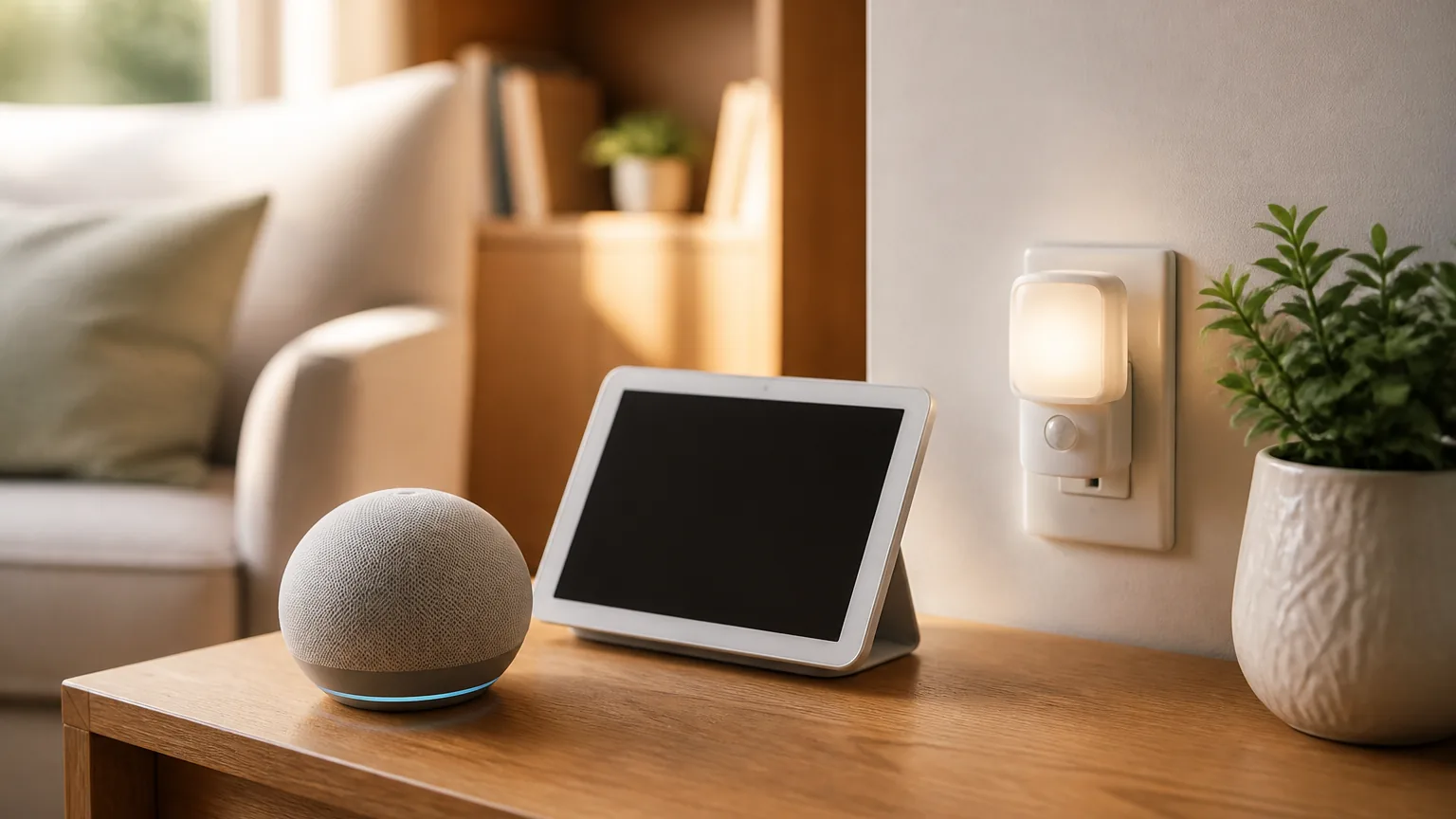
Most smart home gadgets are built for convenience, not safety. Here is which ones actually help someone age in place, and which ones just add a new remote to lose.
I have tried many smart home gadgets, and most of them ended up in a drawer within a month. The ones that stayed in daily use share one trait: they solved a real problem without asking me to learn anything new. That is the test worth applying before buying anything for a parent who wants to keep living independently.
A smart home device is not a safety device by default. A colorful smart bulb controlled by a phone app is a toy. A motion-activated light that turns itself on in a dark hallway at two in the morning is a safety device. The difference is not the technology. It is whether the device removes a step, or adds one.
Start with what already goes wrong
Before buying anything, I ask a simple question: what already happens in this house that worries someone? A parent who gets up at night and cannot find a light switch has a lighting problem, not a smart home problem. A parent who forgets to take medication at the right time has a reminder problem. Matching the device to the actual problem keeps the list short and the setup simple.
A simple order keeps this from turning into a project:
- Name the real problem first: night wandering, a missed medication, or feeling cut off from family.
- Pick one device that solves exactly that problem, and nothing more.
- Have someone else do the one-time setup, so the parent never has to.
- Live with it for a few weeks before adding a second device.
Voice assistants that ask for nothing
A voice-controlled speaker is one of the simplest smart home devices to hand to an older adult, because it needs no screen, no app, and no memorized steps. It answers a spoken question, sets a reminder, plays music, or calls a family member, all without a menu to navigate. The setup work happens once, by someone else, and after that the device only needs a voice.
Lighting that works without a switch
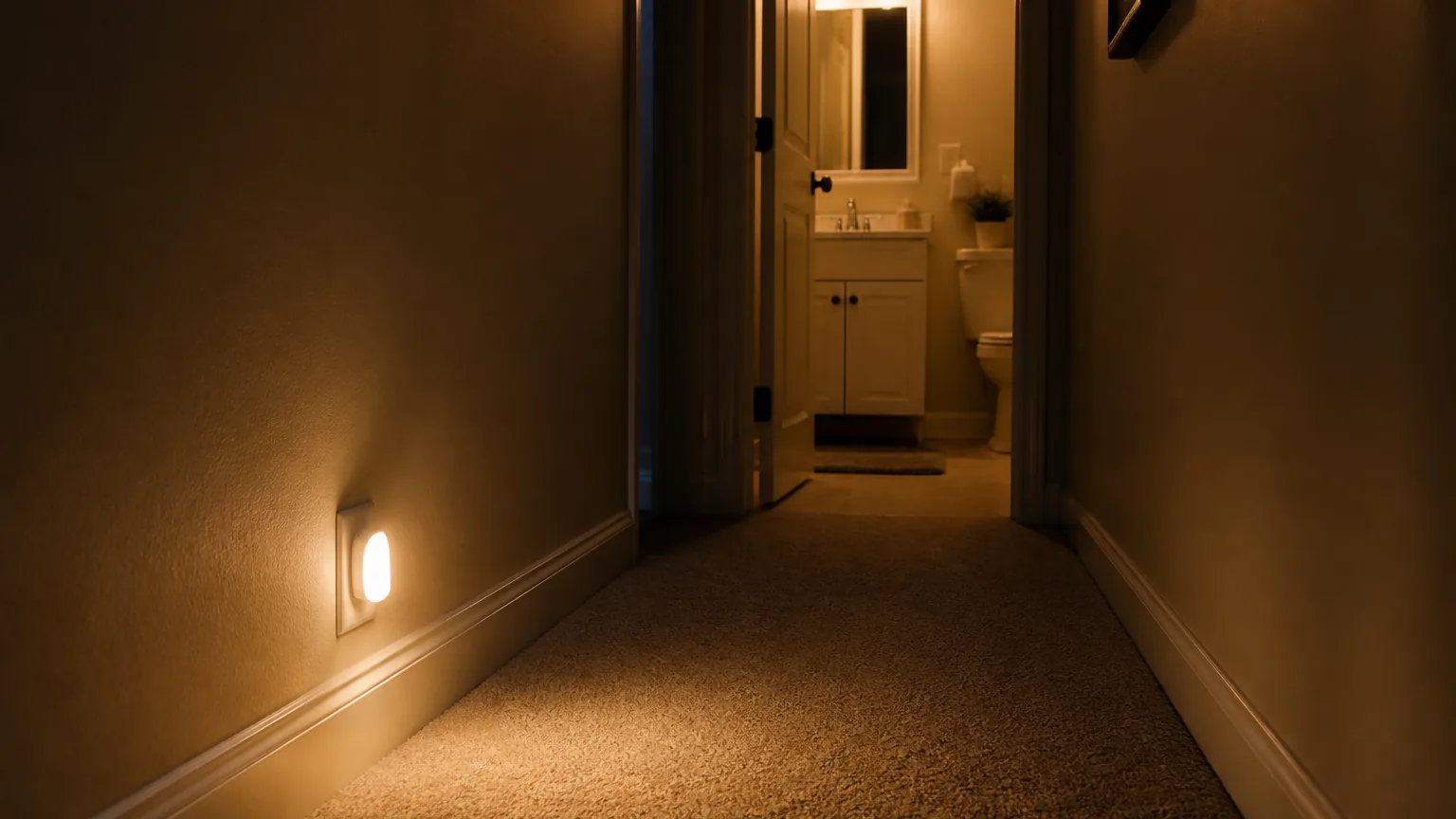
Motion-activated night lights are inexpensive and address one of the most common hazards in an older adult's home: a dark path between the bed and the bathroom. The National Institute on Aging recommends a night light that turns on automatically in the dark for exactly this reason. They need no app, no voice command, and no memory. They turn on because a person walked into the room, which is the whole point.
Video calling that opens with one tap
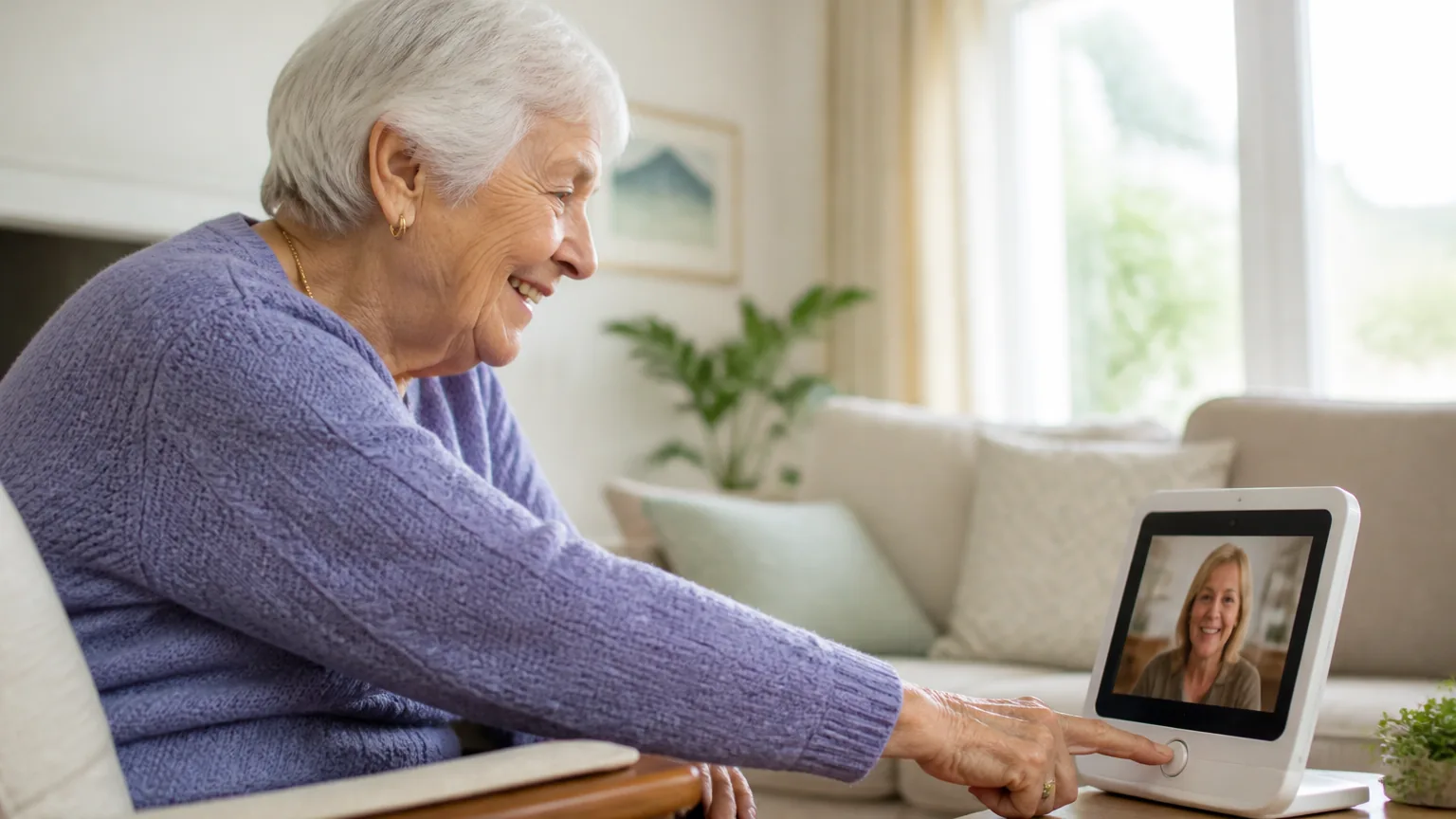
Video calls keep a parent connected to family, but most video call apps assume a comfort with smartphones that a lot of older adults do not have. A dedicated video calling device, or a tablet set up with one large button per contact, removes the part that causes trouble. No more hunting for the right app, then the right contact, then the right button. Family calls in, and the parent taps once to answer. For families spread across the country, the staying connected from far away article covers the habits that keep it going.
Medication reminders that do not depend on memory
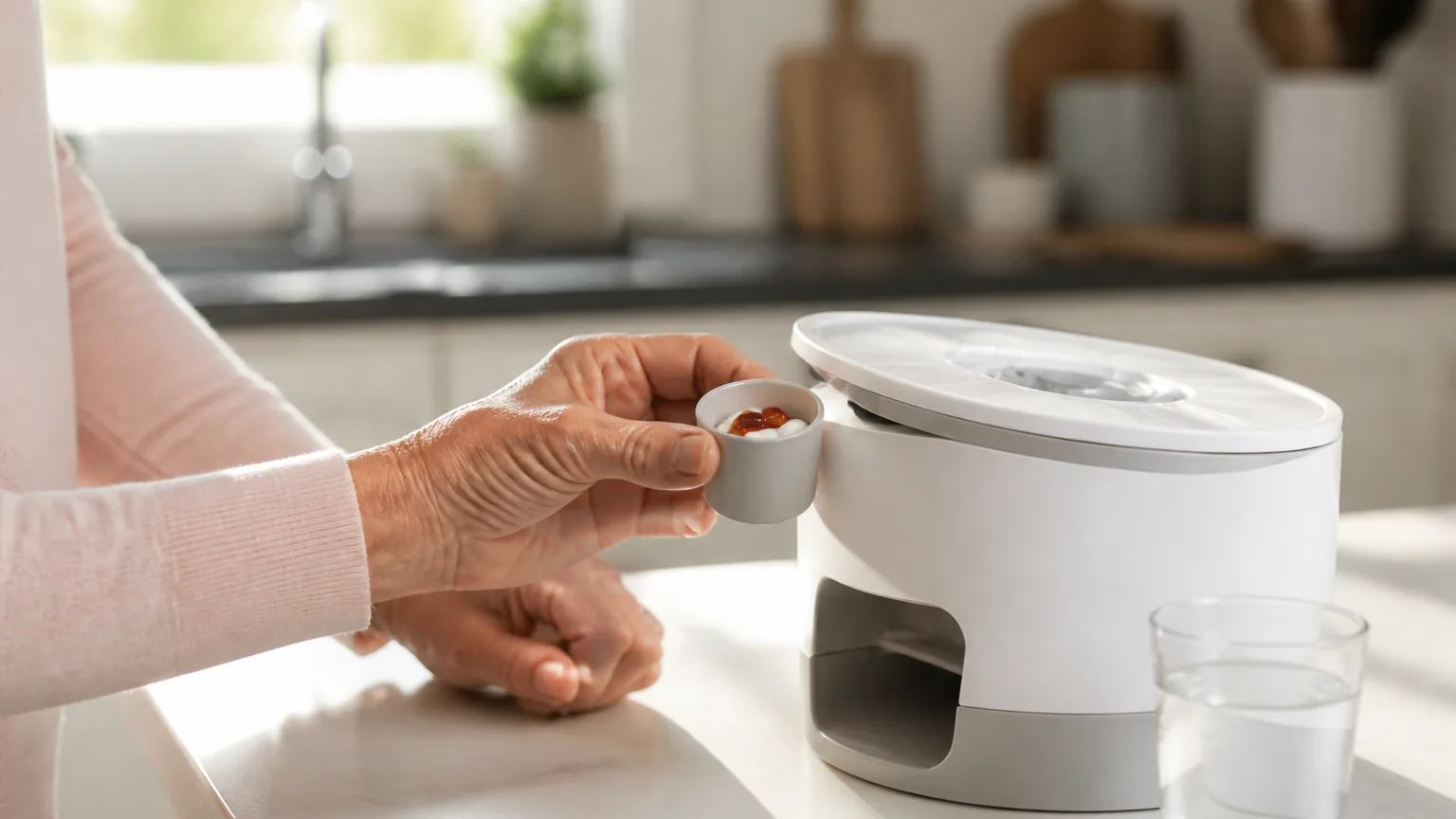
An automatic pill dispenser locks each compartment until the right time. That removes both a memory problem and a safety problem, since a doubled dose becomes hard to take by accident. This matters because managing several medicines at once is the norm in later life: about one-third of adults in their 60s and 70s take five or more prescription drugs, according to the National Institute on Aging. Some models also alert a family member by text if a dose is missed. For keeping a parent safe at home, that feature matters more than any other on this list. The managing multiple medications safely article goes deeper on the routine itself.
The short list at a glance
The devices worth owning share a pattern: they solve one real problem and ask nothing new of the person using them.
| Device | What it solves | Needs an app or screen? | Setup |
|---|---|---|---|
| Voice speaker | Hands-free reminders, calls, and questions | No | Once, by someone else |
| Motion night light | A dark path at night | No | Plug it in |
| Video calling device | Staying connected without smartphone skills | No, one tap to answer | Once, by someone else |
| Automatic pill dispenser | Missed or doubled doses | No | Refill weekly |
| Full smart-home hub | Little the house actually needs | Yes, several | High and ongoing |
What to skip
I would skip a full smart home system built around a central hub, several apps, and a real learning curve. It solves a problem nobody in the house actually has, and it adds a new thing to break, forget, or get locked out of. The right amount of smart home technology for most older adults is small: one or two devices. Choose each one because it solves a real problem, set it up once, and then leave it alone.
If you are shopping for a parent or grandparent, the tech gifts for seniors that are not overwhelming guide on this site covers specific devices built around this same idea. Each one is useful without needing to be learned. If the harder part is getting a reluctant parent to accept any of it, the setting up technology for a senior who resists it article is the place to start.
Key Takeaways
- Match any device to a real, existing problem in the house, not to a new feature.
- Voice assistants and motion-activated lights need no app, no screen, and no memory to work.
- Video calling devices and automatic pill dispensers solve two of the highest-value problems: staying connected and staying safe.
- Skip a full smart home system with a central hub and a learning curve, since it usually solves no problem the house actually has.