
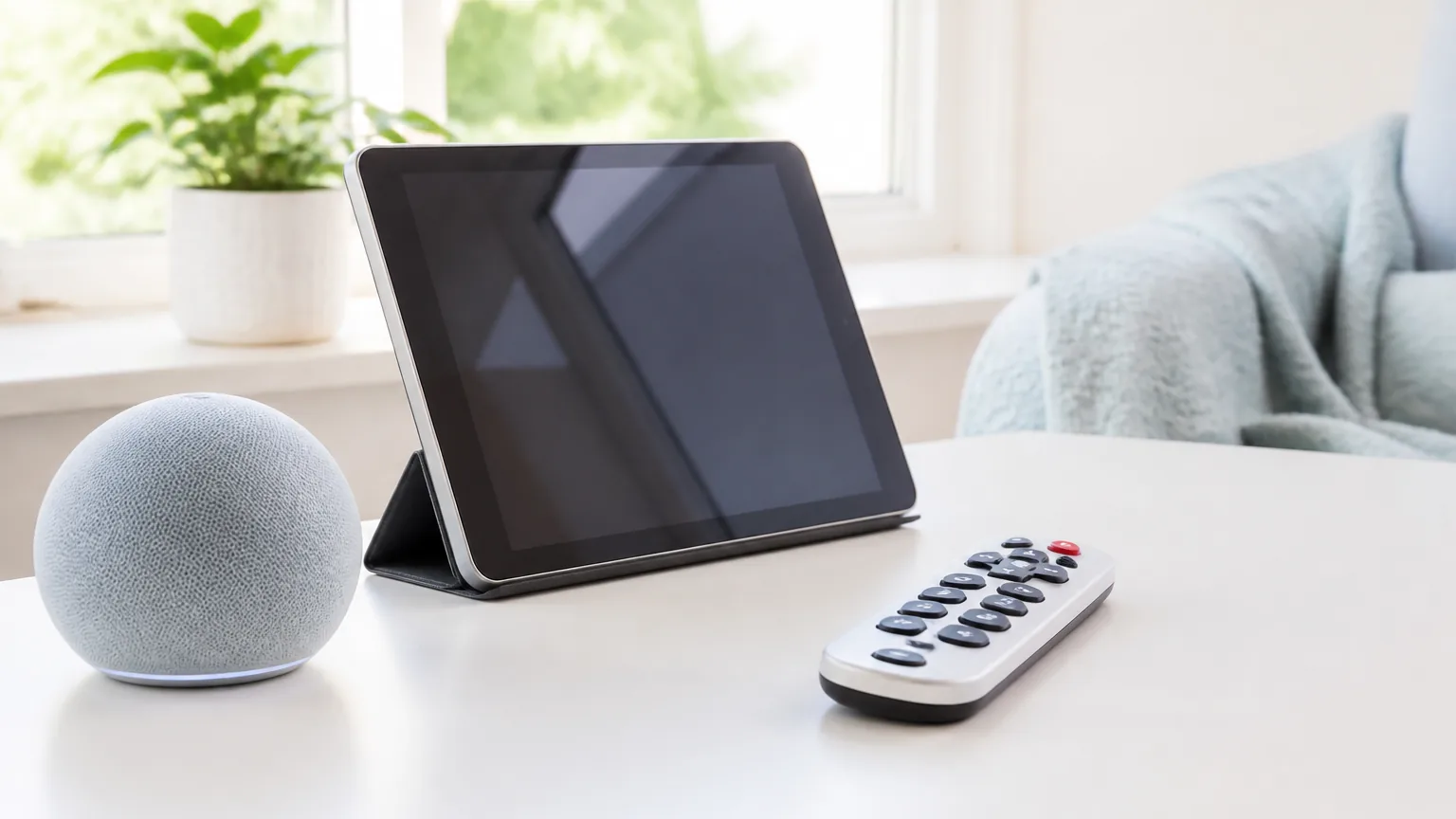
The resistance is real, but it's rarely about the technology itself. Here's how to understand it — and how to actually help.
The scenario plays out in many families. You've identified a piece of technology — a tablet, a video calling device, a medical alert system, a phone with larger buttons — that would genuinely improve your parent's quality of life or safety. You've explained how it works. You've offered to set it up. The answer is no, or maybe, or a vague agreement that goes nowhere.
The frustration on both sides is real. Yours, because you can see a clear solution being refused. Theirs, because they're being asked to change something that already feels difficult, by someone who doesn't seem to fully grasp why.
Understanding the resistance
Most older adults are not cut off from technology. As of 2025, 78% of Americans age 65 and older own a smartphone, and 90% use the internet, according to the Pew Research Center. So the resistance you run into is rarely about technology in general. It is about one specific new device, and one specific change.
The resistance to new technology in older adults is not, in most cases, stubbornness or irrationality. It tends to have specific roots that are worth understanding before trying to address it.
One root is fear of failure. Many older adults have had experiences of technology that was difficult to learn, that stopped working, that required calling for help and feeling embarrassed. Each new device carries the anticipatory anxiety of that experience recurring. The fear of looking foolish, of not being able to manage, is real and shouldn't be dismissed.
Another root is the perceived loss of the familiar. A person who has used a particular phone or television or routine for years has established a kind of competence with it. Replacing it means starting over — losing the hard-won ease of the current system for the uncertainty of a new one.
And sometimes the resistance is to what the technology symbolises. A medical alert pendant, however practical, may feel like an acknowledgement of vulnerability that someone isn't ready to make. A video calling device suggested by a child who lives far away may feel more like guilt management than genuine care.
Starting in the right place
Asking what would be genuinely useful — rather than arriving with a solution already in hand — tends to produce better outcomes. Is there anything that's been frustrating you, or that would make things easier? is a better opening than I've found this great device that I think you should try.
When introducing something new, framing it as something for them rather than something that will ease someone else's anxiety matters. I thought this might make it easier to see photos of the grandchildren is different from This means you can call me if something happens.
The setup itself
Rushing the setup tends to produce the opposite of the intended result. Technology educators who work with older adults consistently recommend a slower, hands-on approach. A few steps make most of the difference:
- Allow more time than seems necessary. Rushing almost always backfires.
- Sit beside the person, not in front of them, so the learning is shared rather than a demonstration.
- Let them do the tapping and pressing while you narrate. If you set it up and hand it over finished, they have never actually done it themselves, and the first change or problem leaves them stuck.
- Set up only the few features they need. A tablet with four apps is far less daunting than one with forty.
- Leave a large-print notebook beside the device. Cover the common problems, such as a dark screen, a dropped call, or a password prompt, rather than features that rarely come up.
The right devices make a difference
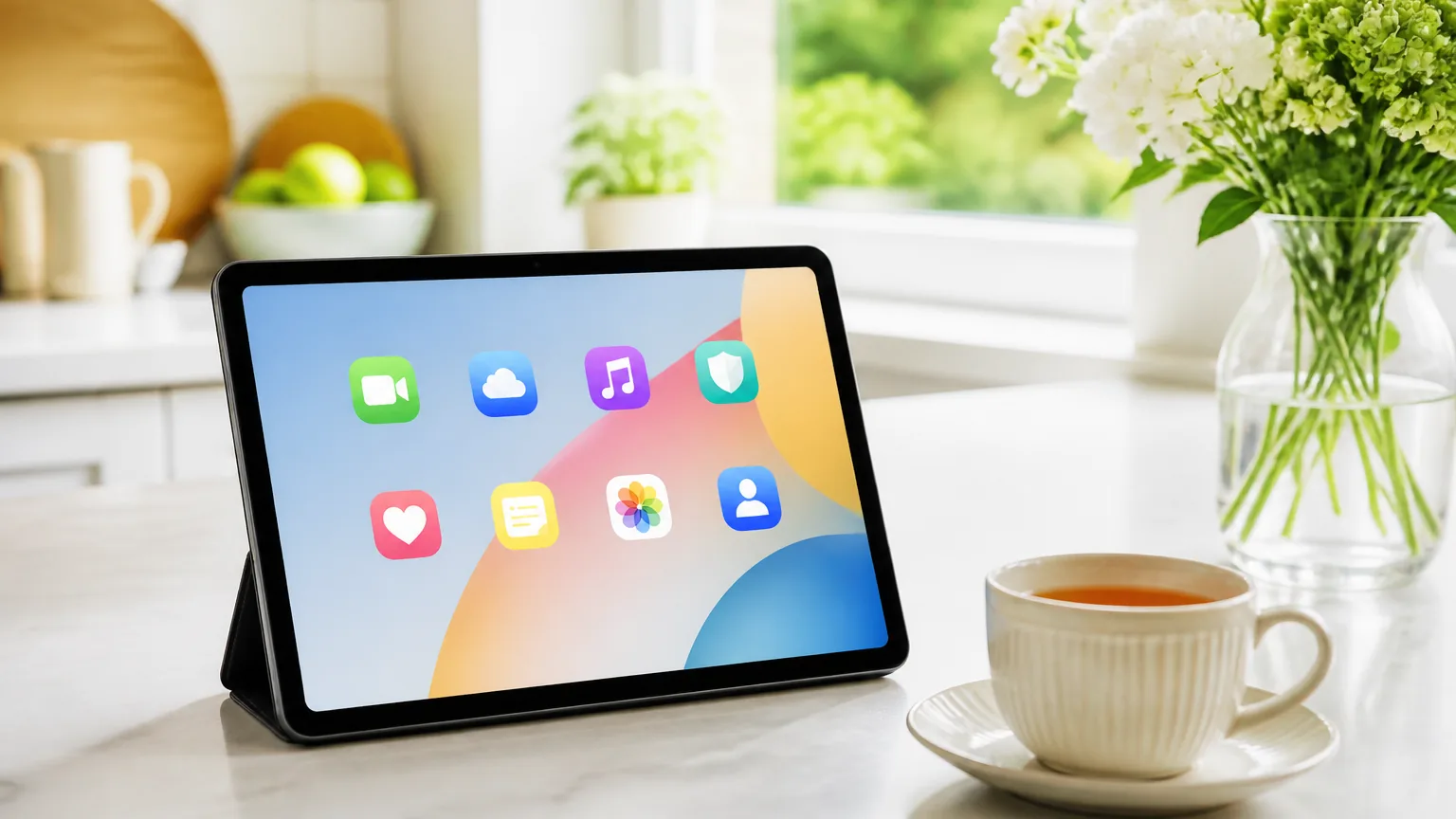
Not all technology is equally accessible for older users. A few features matter most. Large text, a clear and simple interface, and loud, clear audio. Physical buttons for the key functions, rather than touchscreen-only operation. And a long battery life that does not need daily charging.
For video calling, a dedicated device like an Amazon Echo Show is much simpler than a tablet. It can receive video calls without the user doing anything except answer the ringing. A tablet, by contrast, has to be unlocked, then the app opened, then the contact found.
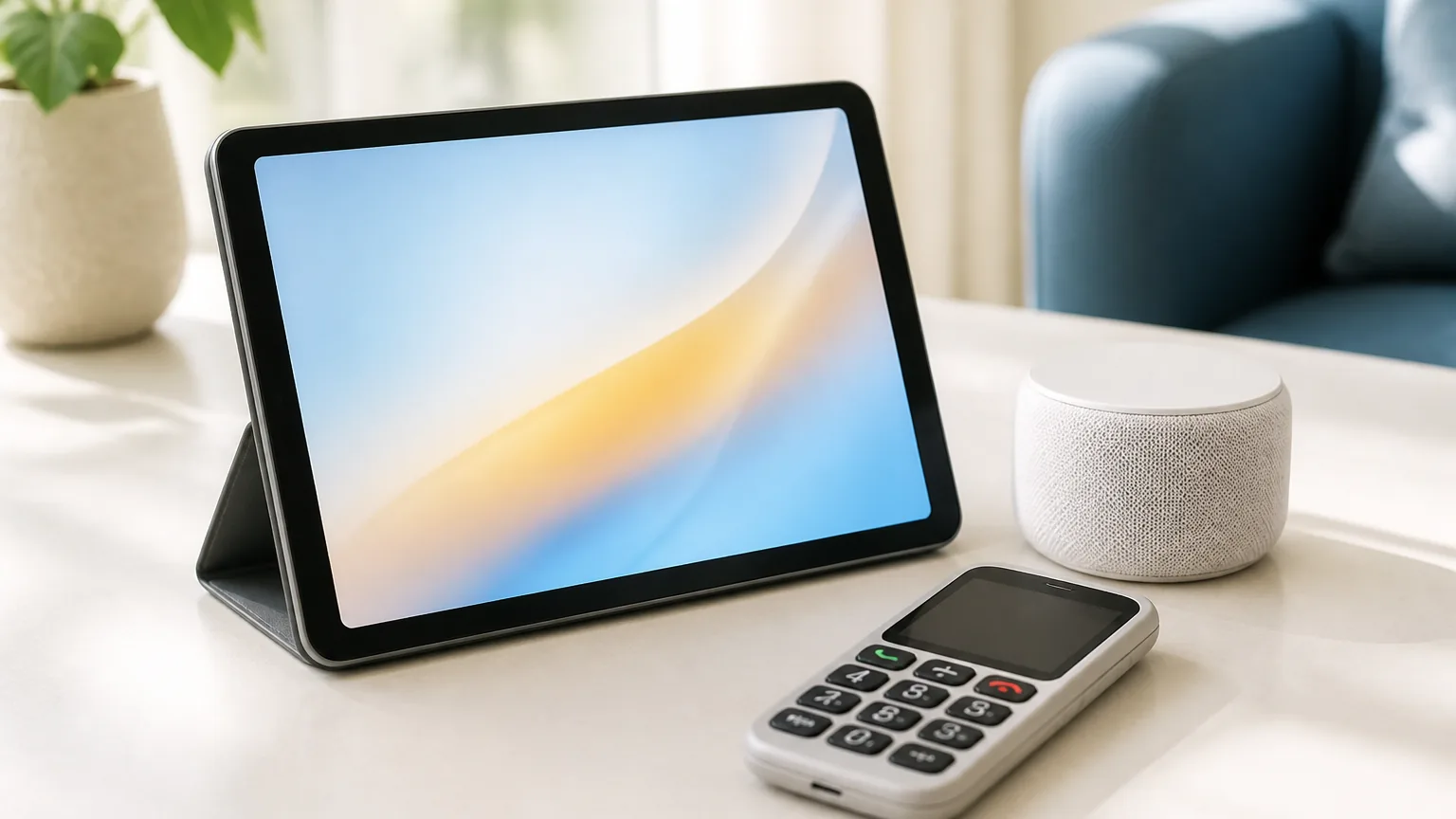
For phones, models with larger buttons, a clear display, and a simple menu structure reduce the learning curve substantially.
Ongoing support
The setup visit is the beginning, not the end. A follow-up call a few days later to troubleshoot, and another visit after a month, tends to make continued use far more likely. Many older adults are reluctant to use a device when they're not confident they can manage problems — knowing that support is available changes that.
This need is real and widely felt. In AARP's 2024 technology survey, 71% of adults age 50 and older said they wanted tech support designed specifically for older users, according to AARP. The help, not the hardware, is often the missing piece.
Technology that's set up and then left tends to end up in a drawer. Technology accompanied by ongoing, patient support tends to become part of life.
| Step | What works | What backfires |
|---|---|---|
| Pick the device | One device tied to a real need | A feature-packed gadget to explore |
| Set it up | Someone else does it once, completely | Handing over a box to figure out |
| Teach it | Sit beside them as they do the steps | Demonstrating while they only watch |
| Keep it going | Patient, regular check-ins | Setting it up and walking away |
Key Takeaways
- Resistance is rarely stubbornness; it usually comes from fear of failure, the loss of a familiar routine, or what a device seems to admit about aging.
- Start by asking what would actually help, and frame the device as something for them, not as a way to ease a distant relative's worry.
- Set it up sitting beside the person and let them do the tapping while you narrate; handing over a device you set up alone tends to backfire.
- Keep it to the few features they need, and leave a large-print notebook that covers what to do when something goes wrong.
- Support does not end at setup: a follow-up call and a later visit make continued use far more likely.
Free printable: the technology-help appointment checklist, for what to bring and what to write down before a help session.