
Tech Gifts for Seniors That Are Not Overwhelming

Written by George · Published:
Most tech gifts for seniors fail for the same reason: they were built for someone thirty years younger, then handed over with a charger and good intentions. The buttons are too small, the font is too small, and the setup runs to a dozen steps nobody warned about. I have watched capable, curious people give up on a device inside a week — not because they could not learn it, but because nothing about it rewarded the effort. The technology that lands does the opposite: it does one thing, it is set up once by somebody else, and after that it asks for nothing. Everything below is chosen on that single test.
This guide contains affiliate links. If you buy through them, I may earn a commission at no extra cost to you. Full disclosure.
Voice-First Devices
Voice control is the rare kind of technology that gets easier with age rather than harder. There are no small buttons to find, no menus to memorize, and no phone to locate first — the instruction is simply spoken aloud, the way you would ask a person already in the room. For someone whose hands have stiffened or whose eyes tire by evening, that removes the two barriers that sink most gadgets at once. Connect it to the Wi-Fi before you give it, and it answers from the first day without a manual ever being opened.
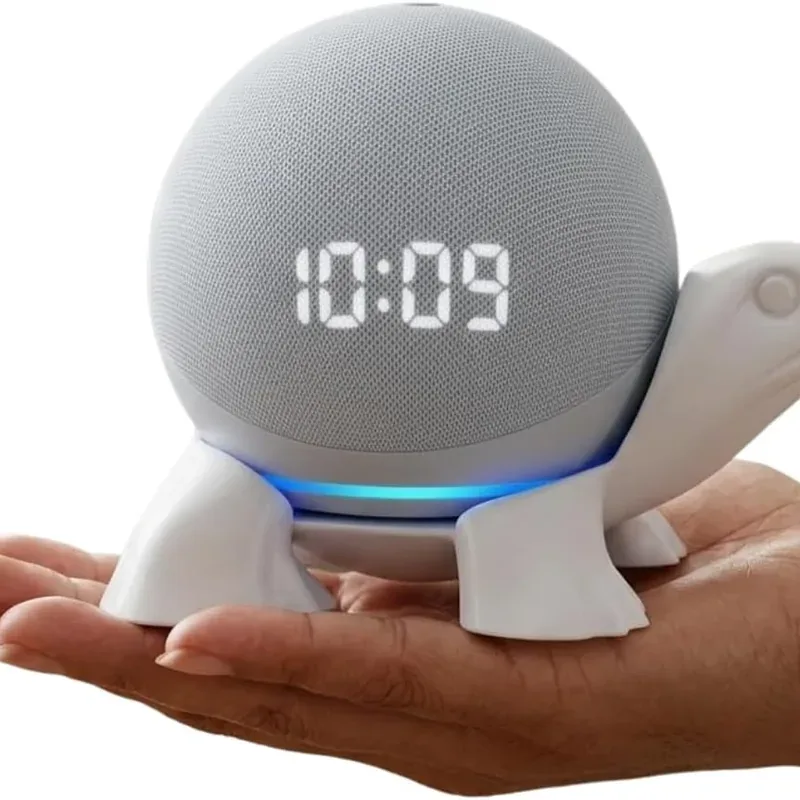
Amazon Echo Dot (5th Gen)
A smart speaker operated entirely by voice — no screen, no buttons, no phone to find. Clearer audio, a temperature sensor, hands-free calling.
Staying Connected With Family
The gifts that get used most are the ones that shorten the distance to family without asking the recipient to become fluent in a smartphone first. A tablet with a large screen turns a video call into a single tap rather than a route to navigate, and a photo frame that fills itself needs no action on her end at all. The trick is to keep the recipient on the receiving side of the effort: relatives do the sending and the sharing, and the device simply lights up with the result. Nothing about staying in touch should feel like homework.
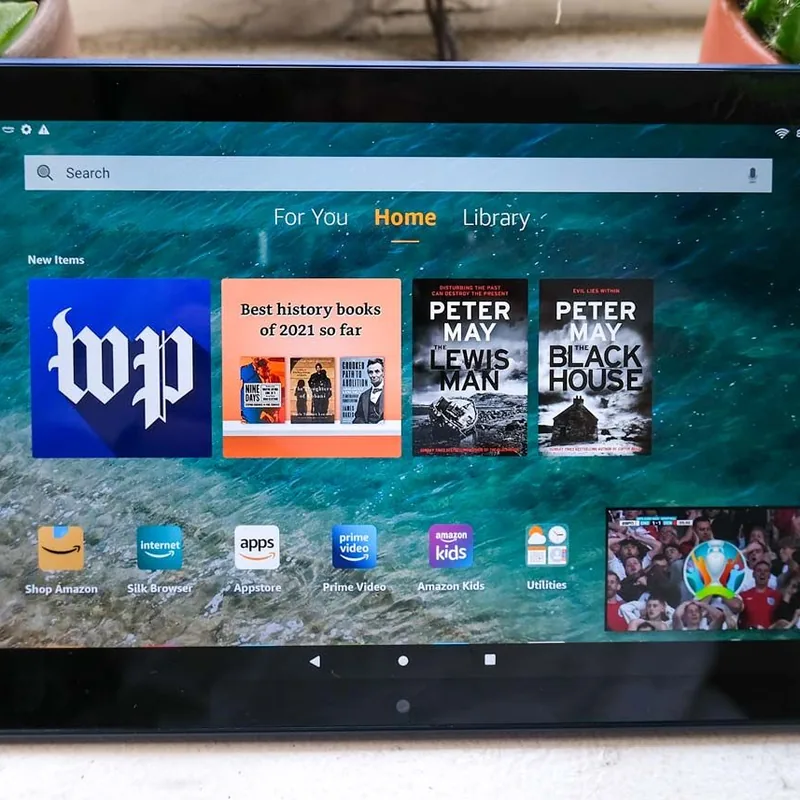
Amazon Fire HD 10 Tablet
10.1-inch screen, built-in Alexa, and a straightforward interface. The most practical tablet for seniors at this price.
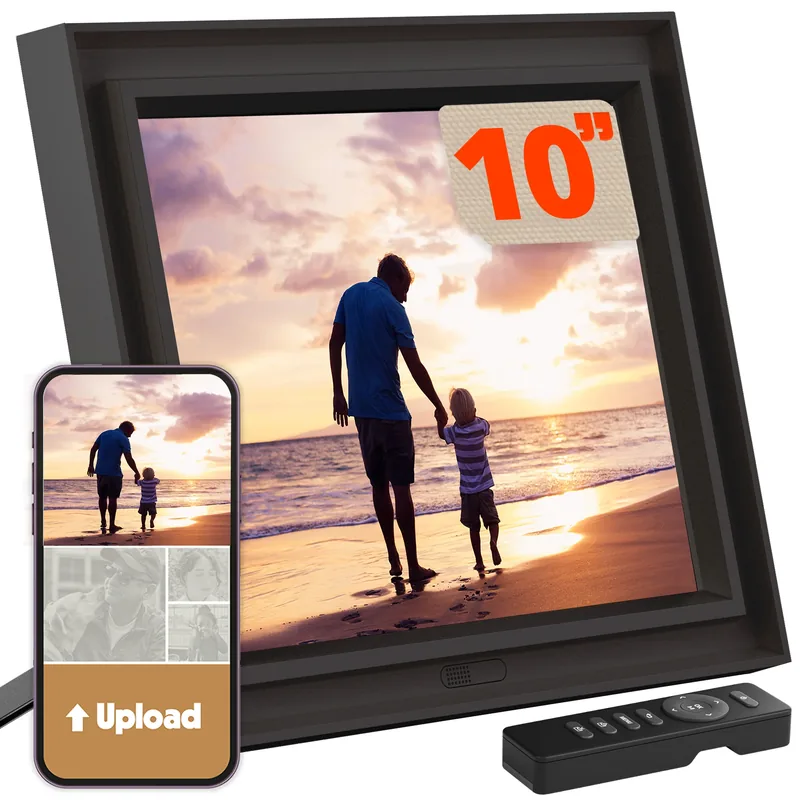
Pix-Star LUX 10.4-Inch Wi-Fi Photo Frame
Family emails or app-shares photos that appear automatically on grandparent's frame — no senior action needed.
Safety Technology
The best safety technology works while nobody is thinking about it. It watches, it tracks, and it raises a hand when something is wrong, all without the senior having to remember a routine or press the right thing in a hurry. That passivity is the whole point — a device that only helps if it is operated correctly under stress is not much help at all. The devices here cover the everyday failure points: a phone that summons help by itself, a tracker that ends the search for lost keys, a dispenser that portions out the day's medication, and protection against the online fraud that targets this age group harder than any other.
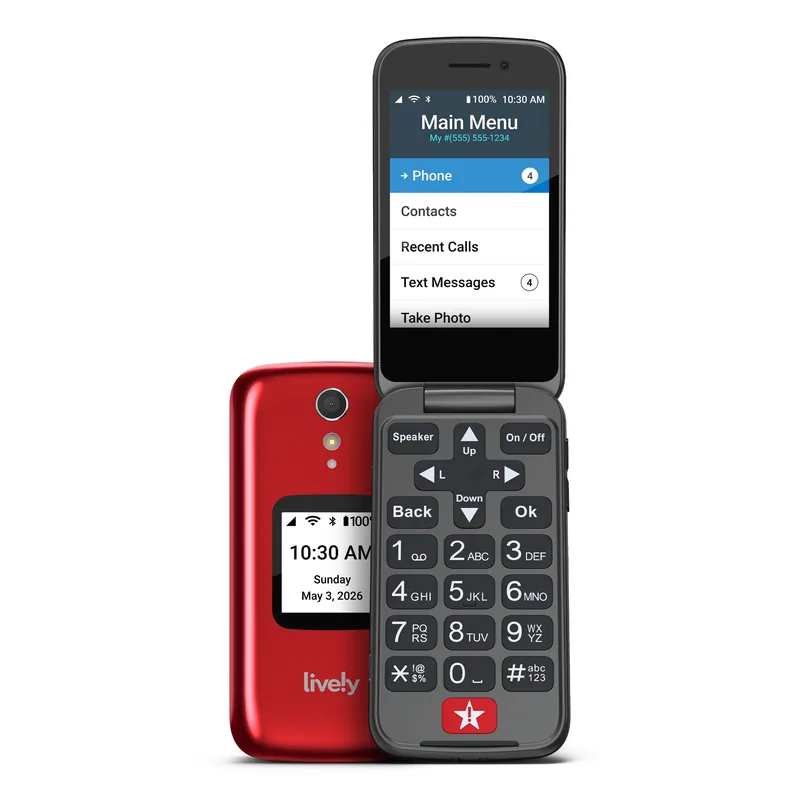
Jitterbug Flip2 by Lively
A flip phone built around a physical keypad and an Urgent Response button — large backlit keys, a loud speaker, and nothing on screen that has to be learned.
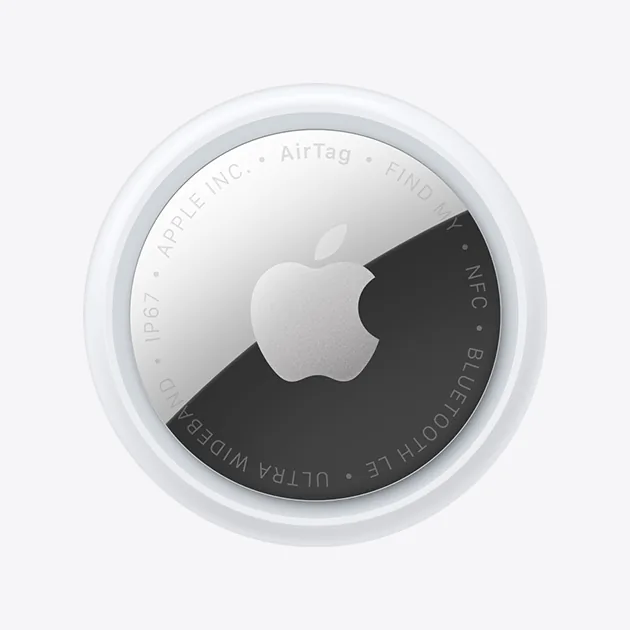
Apple AirTag (2nd Generation)
A Bluetooth tracker that turns a ten-minute hunt for the keys into a glance at the phone.
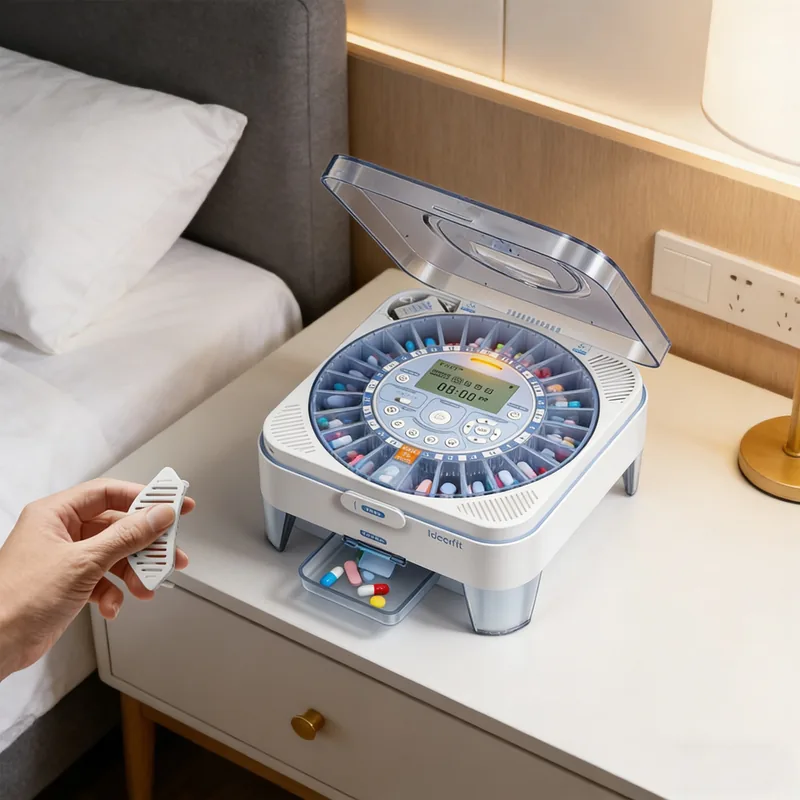
Ideerfit 28-Day Automatic Pill Dispenser
A 28-day automatic pill dispenser built for stiff hands — doses release through a slide door, announced by sound and light.

Norton 360 with LifeLock
Antivirus, a VPN, and LifeLock identity theft monitoring, with stolen-funds reimbursement of up to $25,000 on the Select plan linked here.
Simple Reading and Entertainment
Technology does not have to mean a screen crowded with apps competing for attention. Sometimes the most welcome gift is a single device that does one thing beautifully and then gets out of the way. An e-reader holds a whole library in something lighter than a paperback, sets the type as large as tired eyes need, and lights its own page in a dark room without the glare of a tablet. There is nothing to update, nothing to dismiss, and nothing to learn beyond turning a page.

Kindle Paperwhite (12th Gen)
Adjustable warm backlight, font up to 28pt, waterproof — millions of titles on a 7-inch glare-free screen, with no lockscreen ads.
Frequently Asked Questions
The iPhone with accessibility features enabled is consistently the easiest for seniors. The text size, display zoom, and voice control options are excellent, and once a family member has turned them on there is nothing further for the senior to configure.
One that does a single job and needs no maintenance. Skip anything with a general-purpose screen full of choices and choose a device with one obvious function — a voice speaker, a photo frame, an e-reader. Set it up yourself before handing it over, and it will never present the moment of confusion that sends a gadget into a drawer.
Yes, always, and it matters more than the gift itself. A device given in its box is a chore wearing wrapping paper — the recipient has to make an account, find the Wi-Fi password, and work through a setup screen before the thing does anything at all. Connect it, sign in, and load the first photos or books, then hand over something that already works. The gift is the working device, not the box.
Favor a large, bright screen or adjustable type over anything clever. A ten-inch tablet keeps video calls and photos easy to see, and an e-reader sets its font as large as the page allows and lights itself without glare. Voice-first devices sidestep the screen entirely, which is often the simplest answer of all — nothing to read means nothing to squint at.
Yes — and they are particularly valuable for seniors living alone. An Echo can call emergency contacts by voice, set medication reminders, and answer a question without the person needing to find a phone first. For someone who has had a fall or lives far from family, a speaker that responds to the voice from across the room is a genuine reassurance rather than a gadget.
Older adults are targeted by online fraud more than any other group, so protection that works quietly in the background is worth more than any warning you can give in the moment. Security software that bundles a VPN and identity-theft monitoring watches for trouble without the senior having to recognize a scam themselves. Pair it with one house rule agreed in advance: no money moves and no passwords are shared over the phone or by email without calling you first.
My Take
A tech gift for a senior does not need to be advanced to be the right one — it needs to survive past the first week. Start with a single clear purpose, handle the setup yourself before you wrap it, and choose the device that asks nothing of the person once it is running. Do that, and a modest speaker or a photo frame can change an ordinary day more than a far more expensive gadget ever will.