

Technology
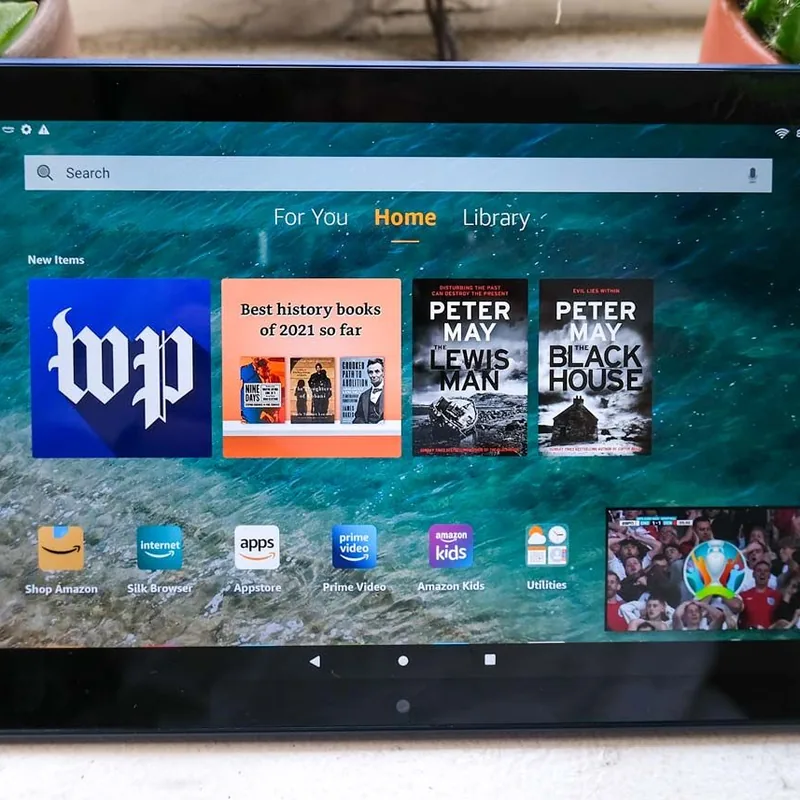
Amazon Fire HD 10 Tablet
10.1-inch screen, built-in Alexa, and a straightforward interface. The most practical tablet for seniors at this price.
Key features
- 1080p resolution with adjustable text size — large print stays sharp instead of turning blocky when it is scaled up
- Show Mode: one tap switches to a hands-free display — video calls, weather, and smart home controls without touching the screen
- 12-hour battery life — lasts all day without recharging
Best for
Seniors already comfortable with Alexa who want a tablet for video calls, reading, and entertainment. Familiar interface, large screen, and an affordable entry point. | An affordable tech gift that feels familiar from day one — especially for a parent already using an Echo device. Video calls, reading, and entertainment in one tablet.
Worth knowing
Uses Amazon's Fire OS, not Android. App selection is more limited than an iPad. Google apps (Maps, Gmail) are not natively available.
Where to buy